


Accessing the CLT 3-8
Approximately 1 week before the testing window opens for the CLT in grades 3-8, parents will receive login and access information for the exam to their email on file. This email will contain the both the exam access code and the student test code both of which are needed to access the test.
Access the Test
First, close any unnecessary applications which might be open on the device used for testing and disable any parental control software. Ensure that the device is connected to a stable internet connection and power source and has a fully functional mouse and keyboard. We recommend accessing the CLT Test using a Chrome, Firefox or Safari browser.
- Demo Test Access: http://test.cltexam.com
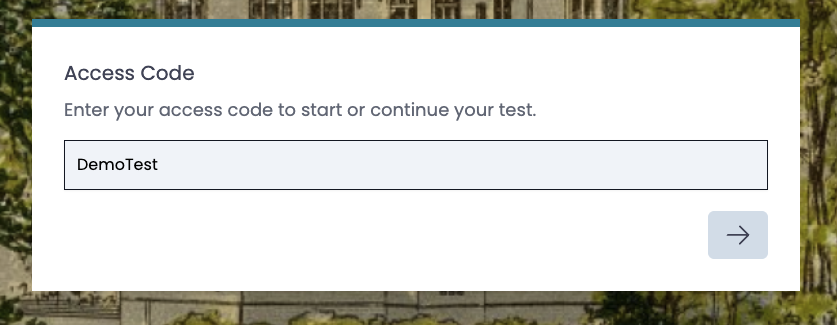
- Demo Test Access Code: This code is unique to each test level and can be found in the email with login information.
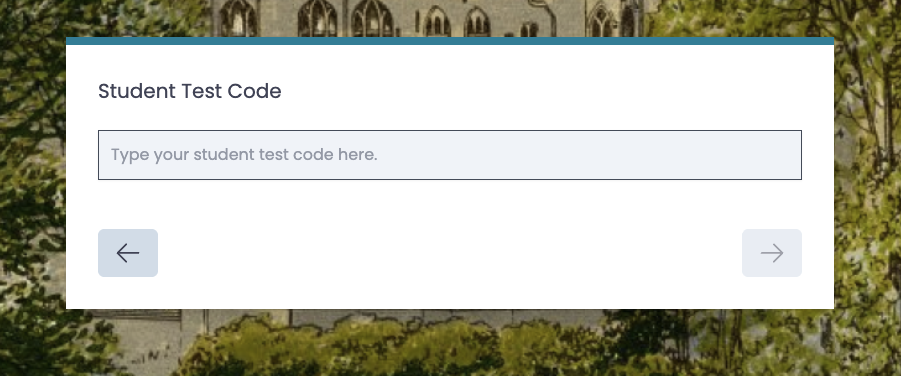
Enter the Student Test Code. This code is unique to each student and testing administration and can be found in the email with login instructions
Confirm that your name and testing information is correct and you will be redirected to the welcome page for the exam.
Completing the Demo Test
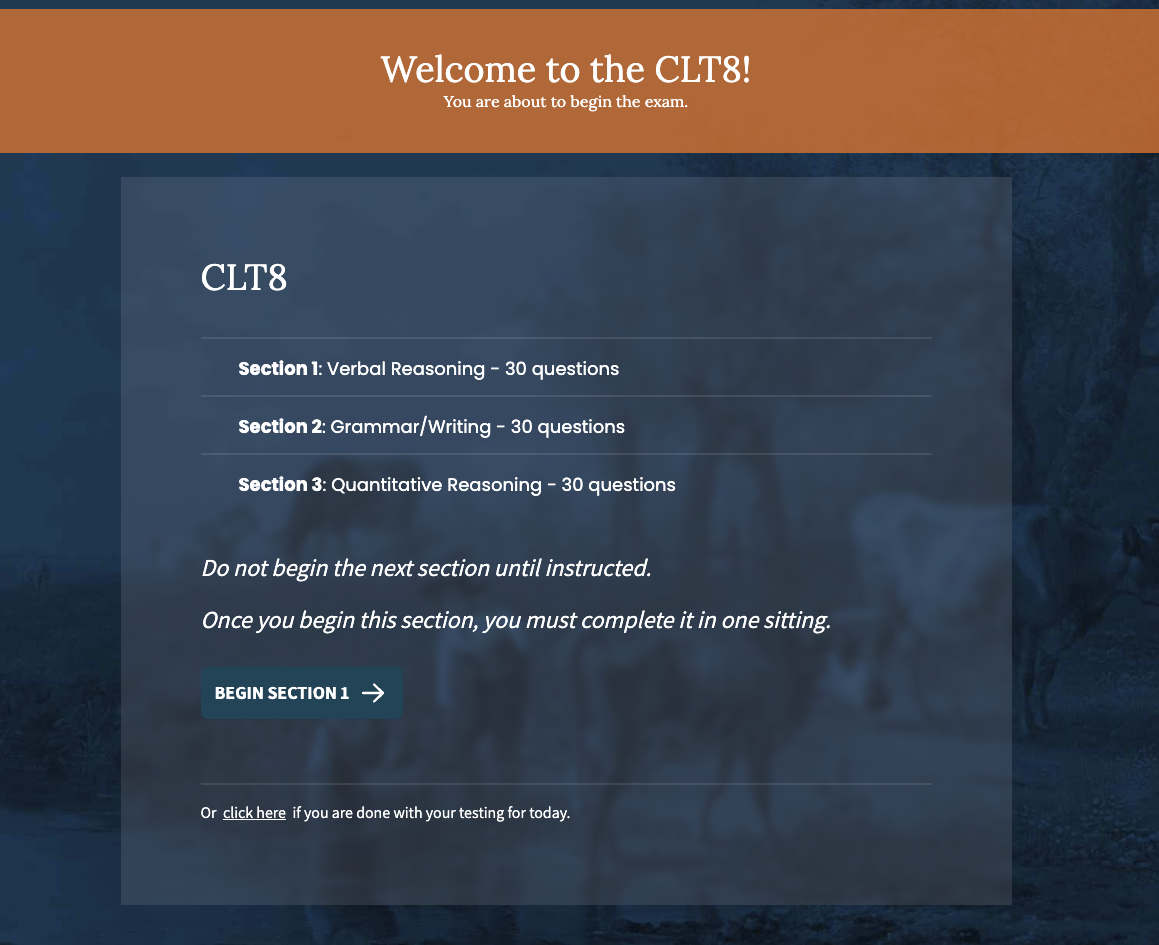
To begin, select "Begin Section 1." The exam consists of 3 sections which are each 30 questions. Students should begin at section 1 and work through the 3 sections in order. If a student is completing sections over multiple days, select the option at the bottom of the screen to indicate he/she is done testing for that day. The same access information will be used to log back into the test for subsequent testing sessions.
Results
Exam results will be emailed out to the student's primary contact on file within 2 weeks of the exam period closing. More information on analyzing and intrepreting CLT scores can be found on the CLT website here.

