


 4277
4277
Lingco is the platform on which the National Latin Exam (NLE) is administered each year. Students will be required to create an account on the Lingco platform in order to be able to access and complete their National Latin Exam.
Lingco Registration
A few weeks before the testing window opens, the Kolbe testing department will begin sending out invitations to log into the Lingco platform to students registered for the National Latin Exam. Find below detailed information to logging into the Lingco platform for the first time.
1. Locate the Registration Email - students will receive an email from Lingco with instructions to set up their account.
2. Fill out Requested Account Information - students should enter their first and last name along with their myKolbe email address and create a password.
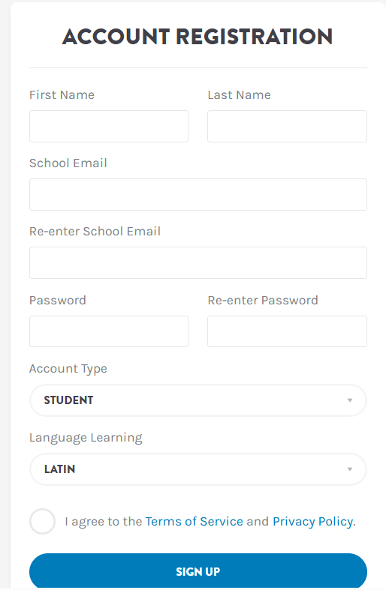
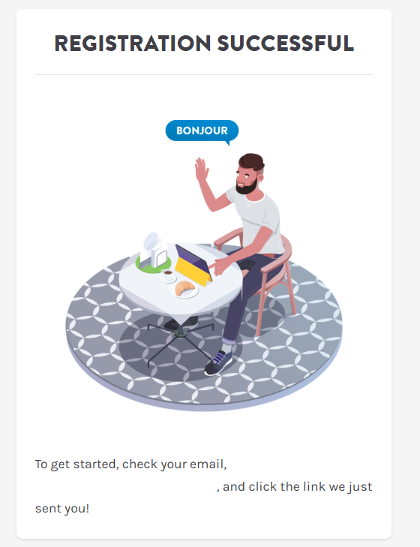
3. Registration Successful - Once you click to sign up and your registration is accepted you will see a success message
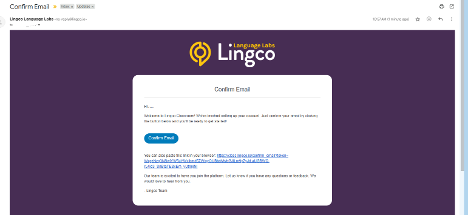
4. Confirm Email - Lingco will send a confirmation email to the student email address provided. Use the link provided to confirm your email address.
5. Log into Lingco - you have successfully registered with Lingco. You can now log in!
Accessing the Practice Tests
Once a student is registered on the Lingco platform he or she will have access to the practice tests for their assigned NLE seat.
1. Log into Lingco Account - use your myKolbe email address and the password previously set up to log into your Lingco account.
2. Dashboard - once logged in, you will see your dashboard
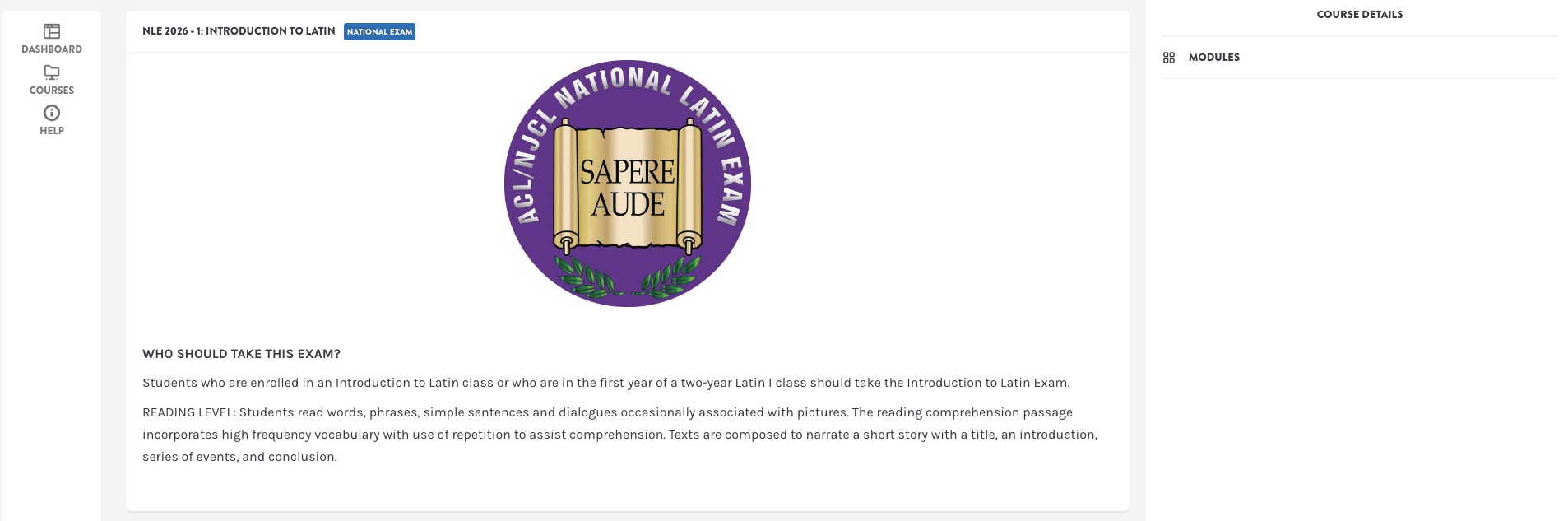
3. Modules - choose "modules" on the right hand side of the page
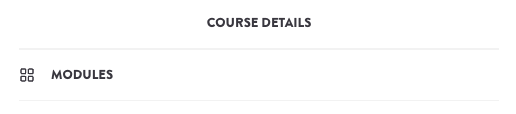
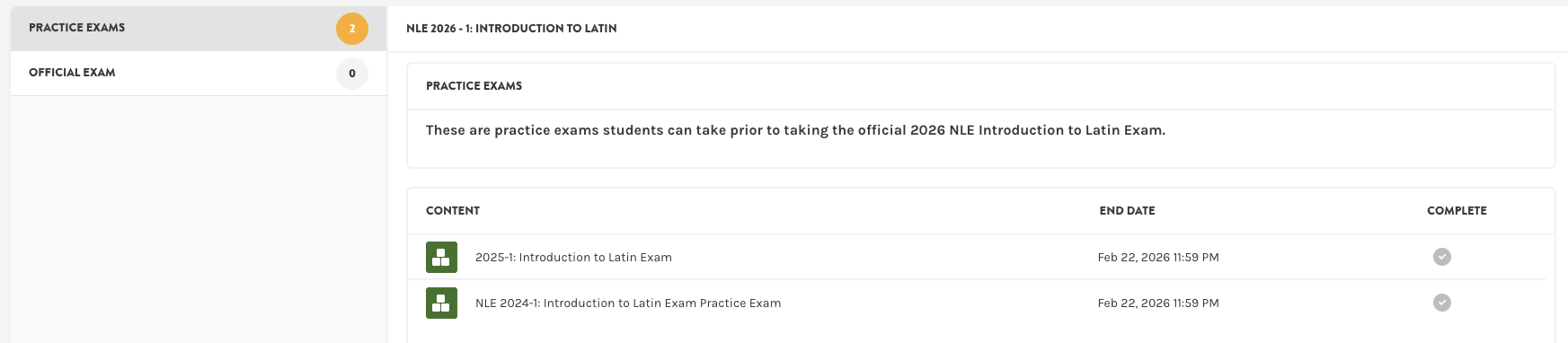
4. Practice Exams - Choose "practice exams" from the option on the right hand side of the page and choose one of the practice exam options. Once the practice exam has been completed, a green check mark will appear.
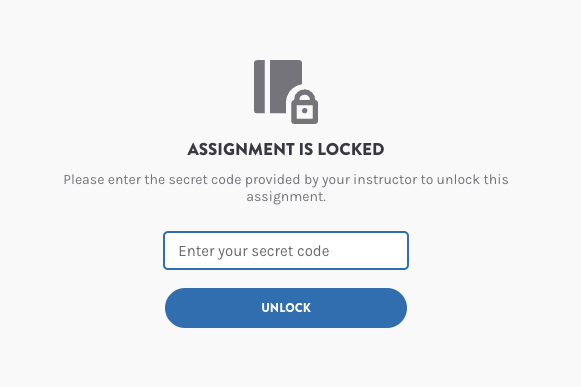
When the testing window officially opens. students will be notified by email and the official exam will be available in the Lingco platform. A secret code is required to access the exam. This code will be provided by email when the testing window opens.
1. Log into Lingco Account - use your myKolbe email address and the password previously set up to log into your Lingco account.
2. Dashboard - once logged in, you will see your dashboard
3. Modules - choose "modules" on the right hand side of the page
4. Official Exam - Choose "official exam" from the option on the right hand side of the page.

5. Secret Code - A message will pop up that a secret code is required to unlock the exam. This code can be found in the email sent at the beginning of the testing window.
If you have any trouble setting up your Lingco account or accessing either the practice or official exams, please reach out to [email protected] and we would be happy to assist you!

