


 7450
7450
When planning your student's high school career, parents will first want to reference the High School Planning Folder where we have articles related to advanced coursework, electives, awards, and other topics of importance to high school planning. Then, before selecting high school courses, reference the 9th-12th Course Selection Guide where you will notice that the first, and foundational, step in any high school planning is to review graduation requirements and progress.
To learn how to review your student's graduation progress in the Kolbe Portal, please see below:
Graduation Plan Progress in the Kolbe Portal
Parents of enrolled students can check their student's diploma and award progress directly in their Portal account under the Diploma Progress button.
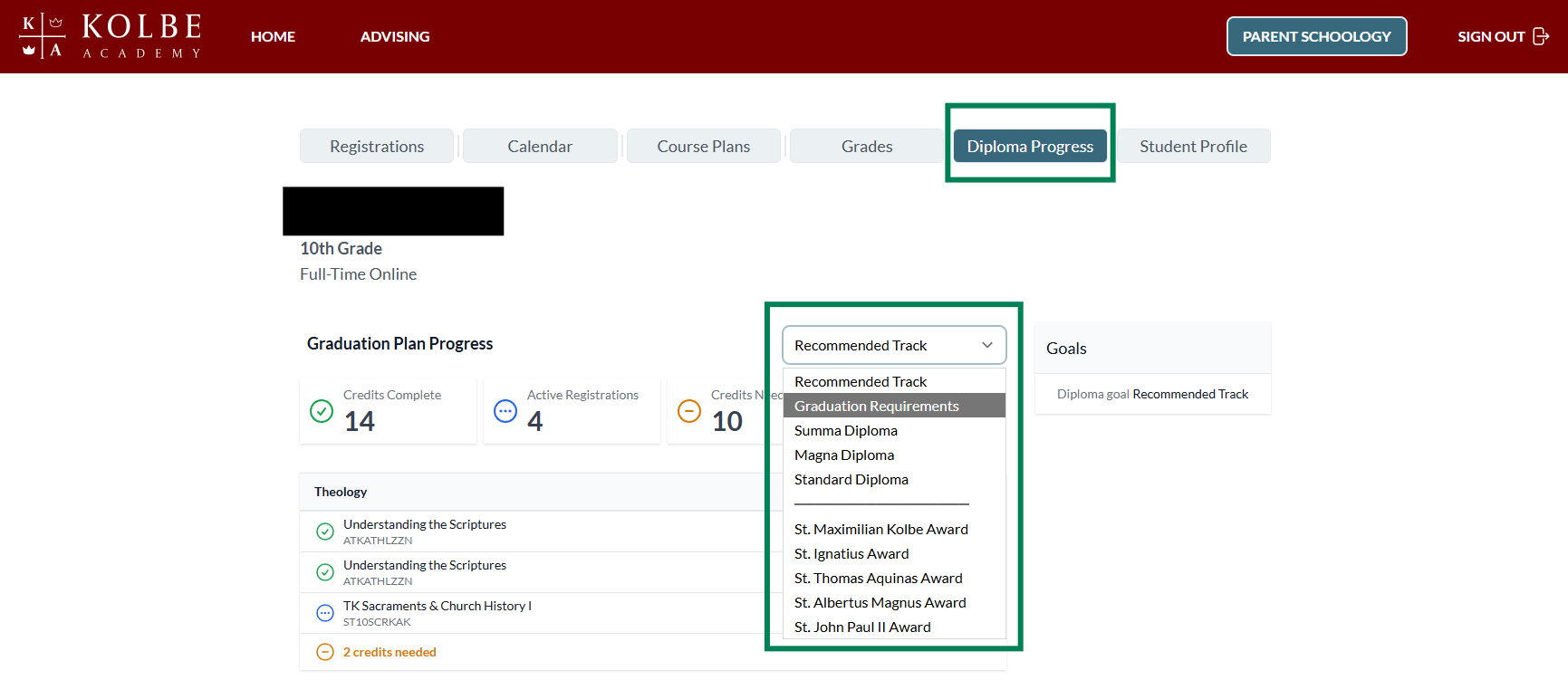
Credits Complete
The Credits Complete area will show how many credits the student has earned (courses completed with grades reported) that are fulfilling specific graduation requirements:
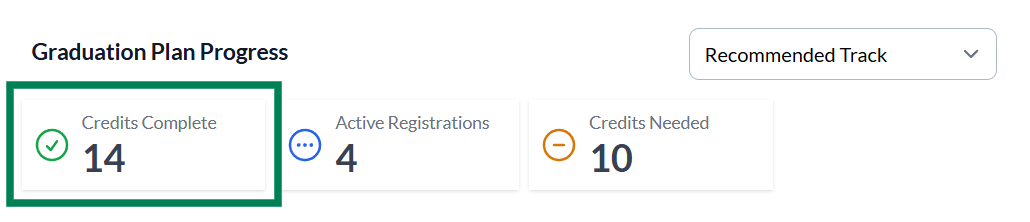
Active Registrations
The Active Registrations area will show how many credits the student has yet to earn (courses registered in without any grades reported) that will be applied to fulfilling specific graduation requirements:
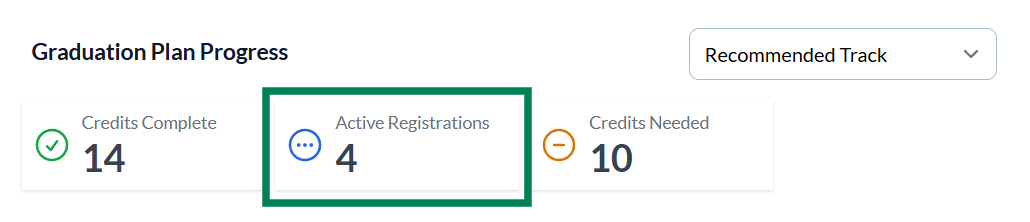
Credits Needed
The Credits Needed area will show how many credits the student has yet to earn. These credits need to be fulfilled through completing a course that is not yet listed on the student's course of study (course registration form):
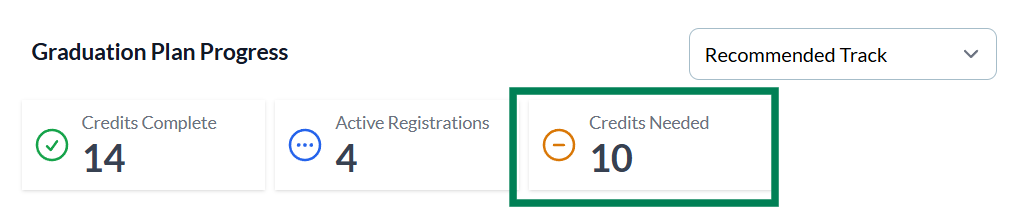
Specific Credit Requirements
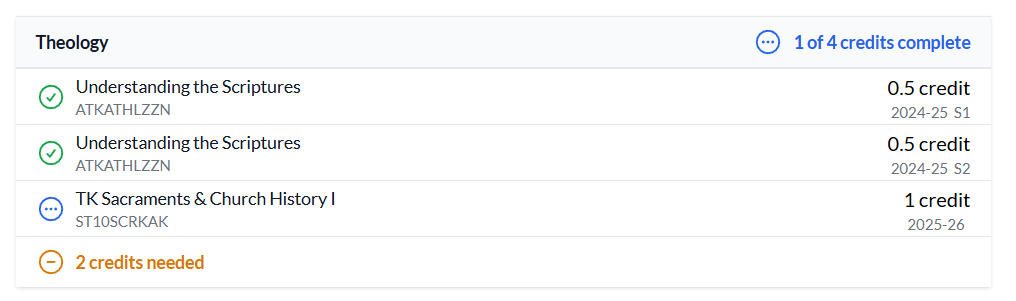
Each diploma credit requirement shows progress by color:
- Courses with credits complete appear in green.
- Courses currently registered but awaiting final grades appear in blue.
- If additional credits are still required in a specific area, they will be listed as "Credits Needed" in orange.
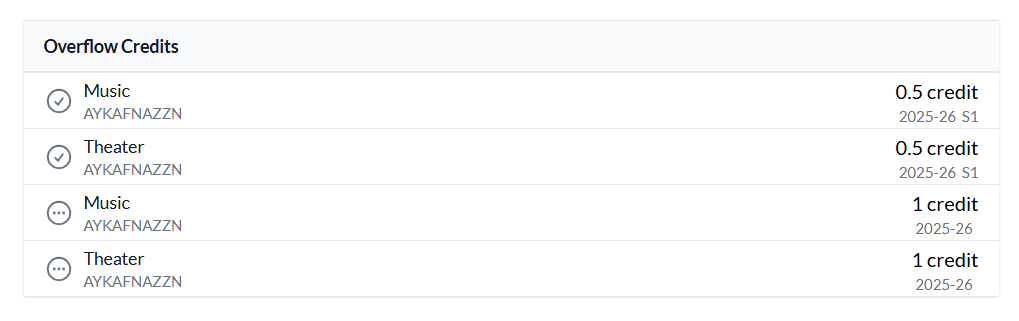
- When the required credits for a specific subject area have been completed, any extra credits earned will appear in the “Overflow Credits” section.
Fillable Graduation Planner
Parents can download the Fillable Graduation Planner located at the bottom of this article if they would like to have a printable graduation planner

Have Questions?
Your Family Advisor is available to answer any questions you may have about high school course planning. You can find your advisor's contact information under the Advising tab in your Kolbe Portal account.


